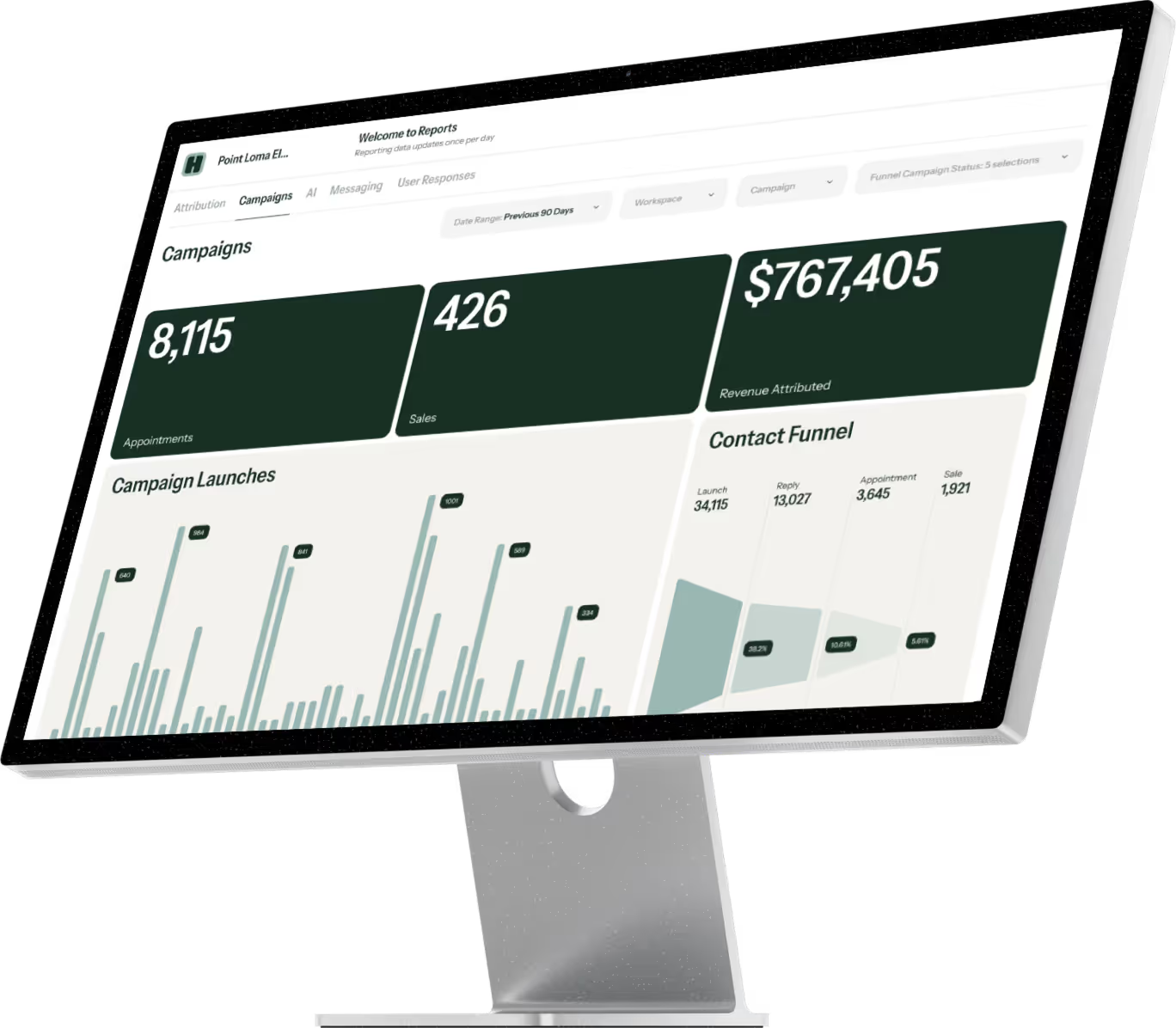
Keeping competitive in the home services industry means maintaining communication with your customers throughout the buying process and beyond. Providing updates—from setting the initial appointment all the way through completion—is a great way to keep your customers engaged and informed while providing great service.
The problem, however, comes from balancing those communications with the rest of the work that must be done. Prospects and customers are often hard to reach by phone or email, and your teams are busy managing and executing on projects.
Instead, home services businesses are turning to more intimate and accessible forms of communication, such as text messaging. Texts have an average 99% open rate, with most of those getting opened within fifteen minutes. Emails, on the other hand, only average around a 30% open rate. Switching to more effective communication can help prevent misunderstandings, improve your reputation, and increase customer loyalty.
Here are some specific ways you can incorporate business messaging into your home service business.
1. Confirm Initial Appointments
Your customers are busy. Scheduling conflicts can happen to anyone, but as a business owner, you know how disruptive a calendar change can be.
Keep things on track with automated appointment reminders. Texts should be sent between 24 and 48 hours before the appointment—if it’s sent too far in advance, customers might forget! Use the message to confirm the time still works for them and include reminders if anything needs to be prepared.
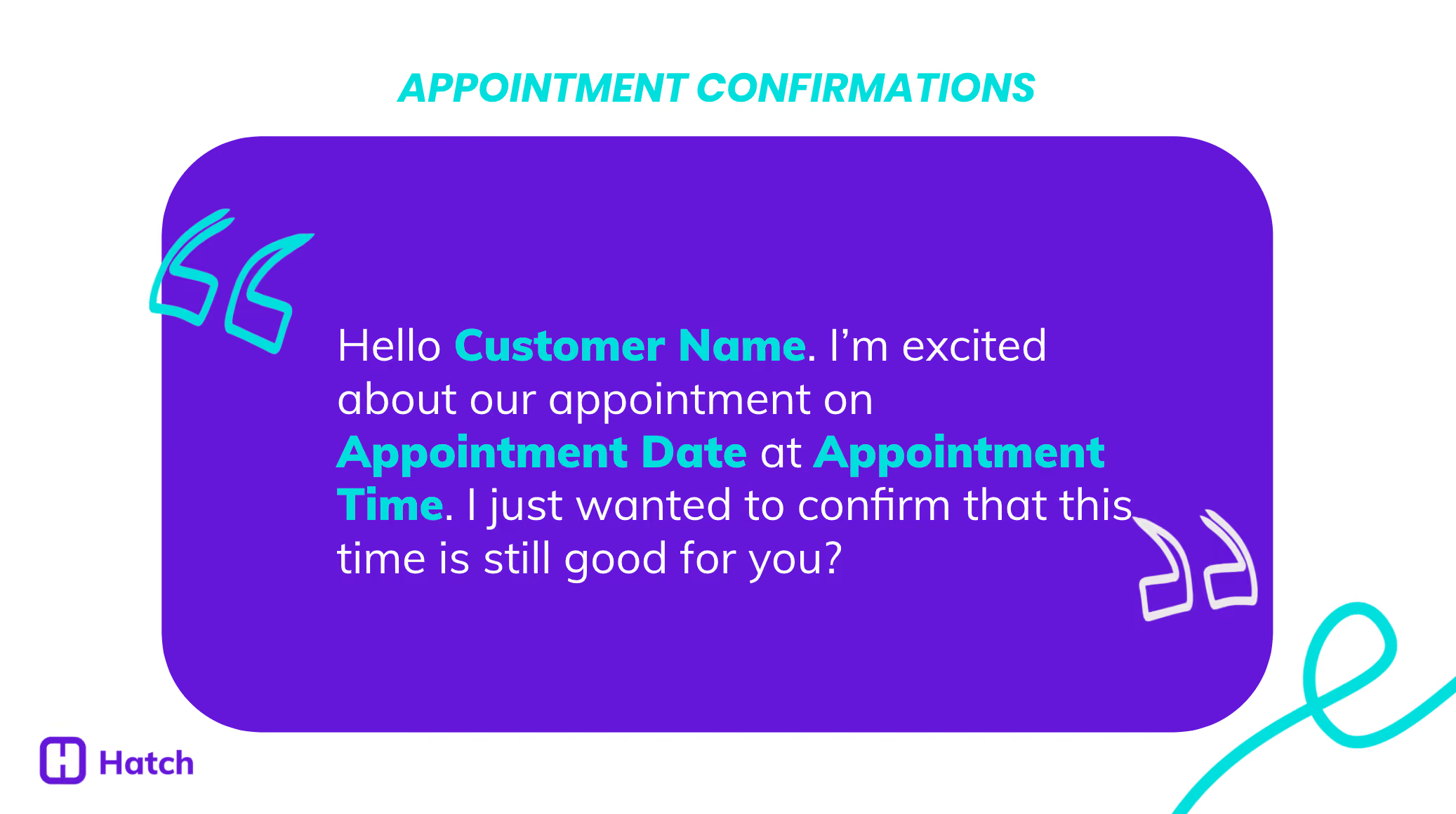
“Hello [Customer Name]. I’m excited about our appointment on [Appointment Date] at [Appointment Time]. I just wanted to confirm that this time is still good for you?”
2. Provide Updates and schedule Work
Depending on your business, there may be a waiting period between when a sale is made and when work can begin.
For example, a customer has requested a specific paint style for their deck. You’ve quoted them on the work, but the stain will need to be delivered—and you’re not sure when.
In this case, engage your customer while you wait for the product to come in. Let them know that they are still top of mind and you’ll reach out as soon as the product comes in.

“Hello [Customer Name]. I just wanted to check-in. We are still waiting on your products to be delivered, but we are excited to get a time scheduled soon. In the meantime, check out our blog on what to expect in your appointment here: bitly.com/0173”
After the stain arrives, your team can notify your customer and schedule the work:
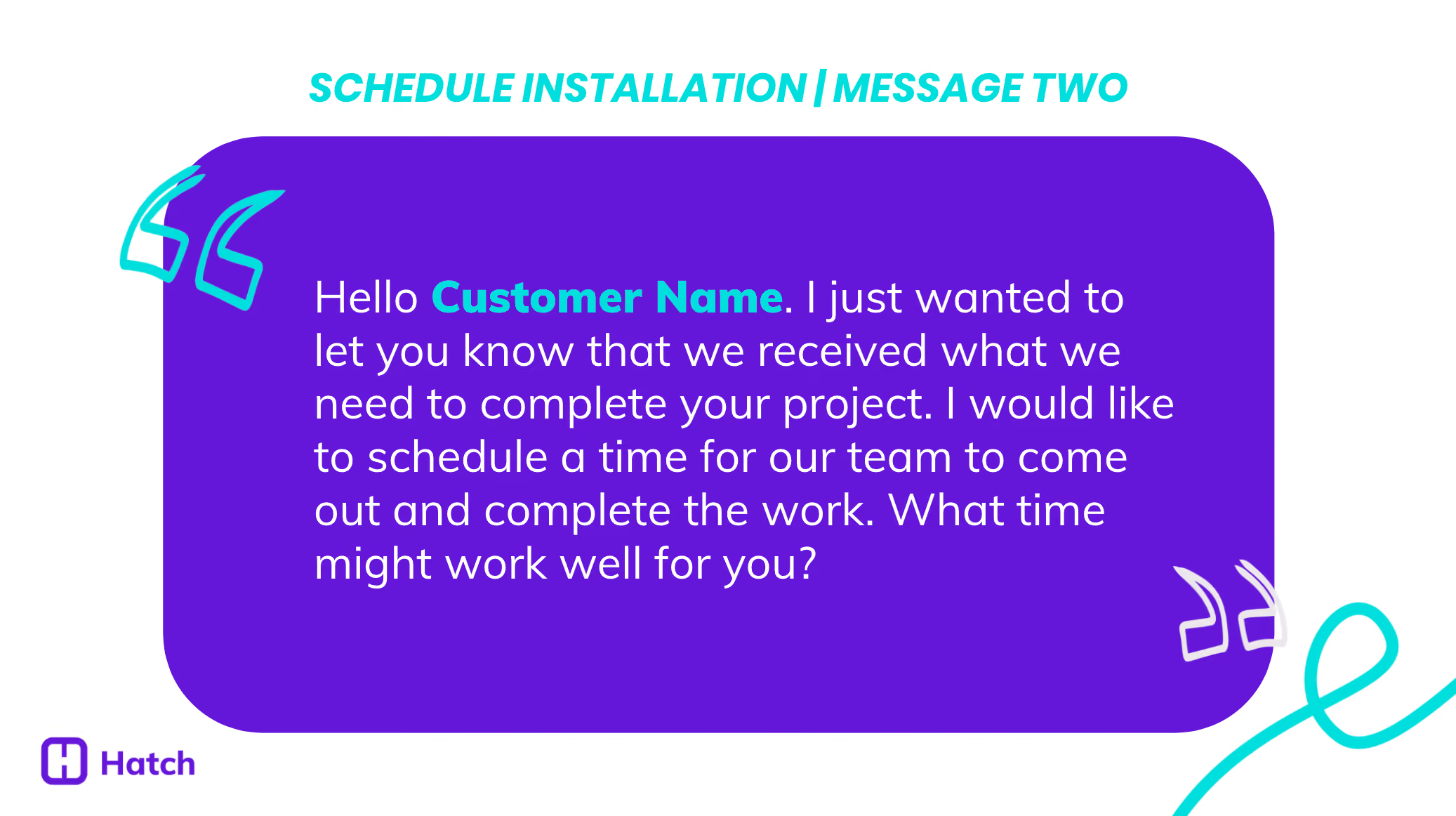
“Hello [Customer Name]. I just wanted to let you know that we received what we need to complete your project. I would like to schedule a time for our team to come out and complete the work. What time might work well for you?”

3. Generate Installation Reminders
One of the best ways to improve customer experience is to provide answers before your customers have to ask. When you’re able to schedule work right away, you can send additional information before your team arrives on-site. This is a great time to tell customers who will be in their home, set expectations for the process, and present yourself as a resource if they have any questions.

“Hello [Customer Name]. Our team is ready to get to work on your [Project Type]. We are coming out at [Appointment Date] at [Appointment Time] to start work. This type of project will take 2-3 days to complete. I will not be joining the install team on the day of the project, but I wanted to let you know I will still be your resource if you have any questions.”
4. Send Billing and Payment Reminder Notifications
Once work is completed, you can automatically send customers a link to manage their bill. Many home service business owners are still using paper reminders that can get easily lost or ignored. With business messaging, you can deliver invoices quickly and efficiently, reducing late payments and making it more convenient for your customers.
Here is a great way to get payment conversations started:

“Hello [Customer Name]. This is [Employee Name] from [Company Name]. I hope you have enjoyed working with [Sales Rep Name] on your [Project Type]. It looks like we are still waiting on payment. To look at your outstanding bill, click here: bitly.com/104801”
How Does Hatch Help?
Here at Hatch, we work with home services businesses to set up messaging throughout their entire customer journey. We’ll help you automatically send personalized texts (plus emails and voicemails!) for appointment confirmations, product delivery updates, schedule installations, and more.
Interested in learning more about how Hatch can support customer experience for your business? Learn more.