For service businesses, the calendar is more than a scheduling tool. It's the operational center of how jobs get booked, confirmed, rescheduled, and staffed, and how revenue gets protected. As AI takes on more of that workload, having clear visibility and control over what your AI agent can do with the calendar becomes essential.
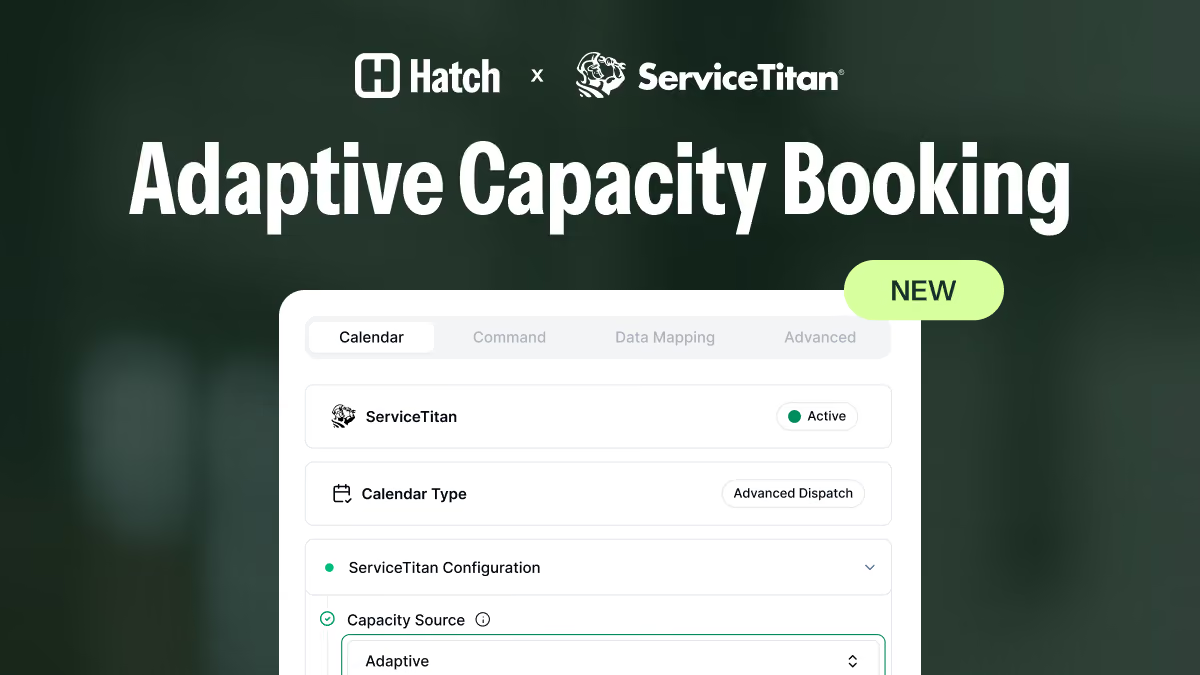
For Hatch customers using ServiceTitan, we've released a new calendar management panel that organizes all of your AI agent's scheduling capabilities into one place so you can see and manage everything from a single view.
How we got here
Hatch's ServiceTitan integration has always gone beyond surface-level data syncing. Your AI agent books directly into the ServiceTitan calendar, checking real-time availability, matching business units and job types, and getting jobs on the schedule without human intervention.
But for service operations, scheduling doesn't start and end with creating an appointment. Customers call back to confirm details, reschedule, ask when their tech is coming, or leave notes about parking or gate codes. Your team fields questions about duplicate bookings, high-priority jobs that need to skip the queue, and whether the right technician is being matched to the right job type.
If your AI agent can only handle the initial booking, your team is still picking up every call that comes after it. That's where the real volume is, and it's exactly what the new calendar management panel addresses.
How it works: a tour of the new ServiceTitan calendar panel
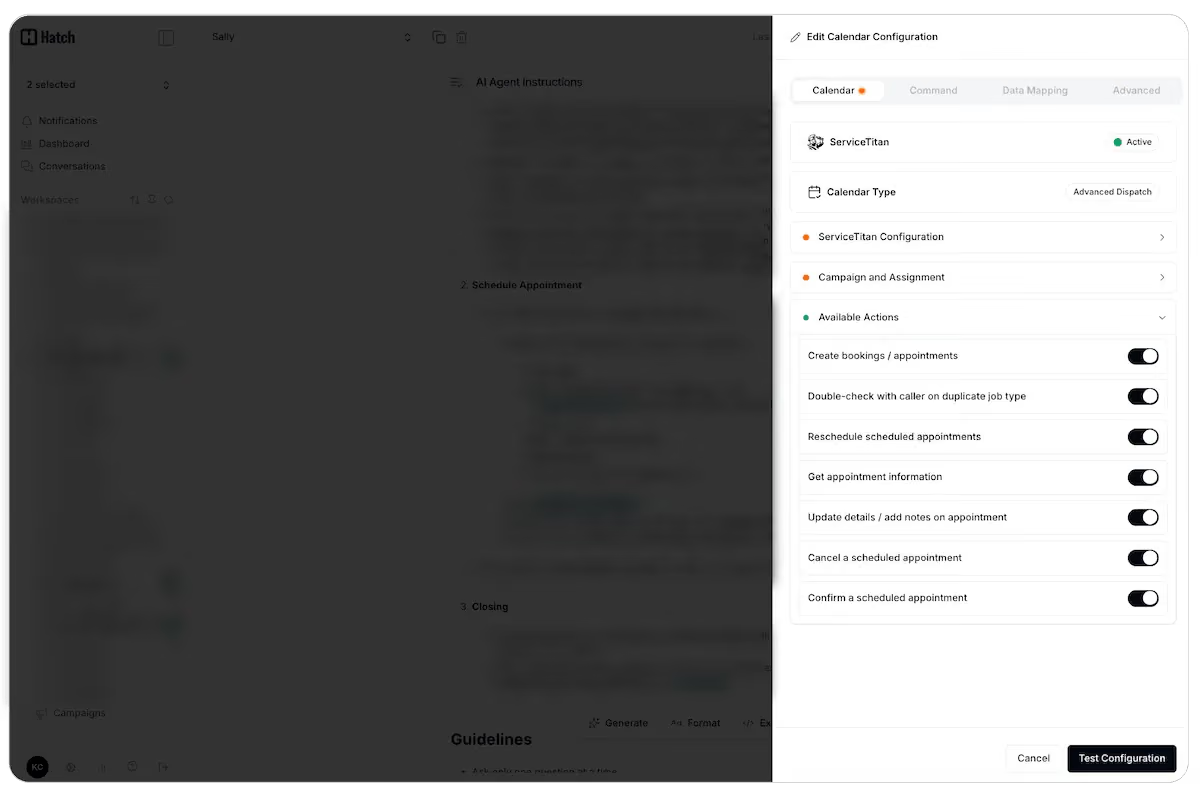
The new calendar management panel is a dedicated section within your calendar tool call configuration. Here's what's inside.
Available actions
These are toggleable capabilities that determine what your AI agent can do when a customer calls about a scheduled (or soon-to-be-scheduled) appointment:
- Duplicate job type check: If a caller requests a booking that matches a job type already on their calendar, the AI agent will flag it and confirm intent before creating a duplicate. Reduces accidental double bookings.
- Reschedule appointments: Your AI agent can walk a caller through rescheduling an existing appointment, offering alternative available times and completing the change without looping in a human.
- Get appointment information: Callers who need to confirm when their appointment is or what it's for can get that information directly from the AI agent.
- Update details or add notes: Callers can leave technician notes (gate codes, parking instructions, pet warnings) that get attached to the appointment in ServiceTitan.
- Cancel appointments: When enabled, the AI agent can process appointment cancellations. This one is optional and fully toggleable, so you stay in control of whether cancellations require human involvement.
- Confirm appointments: Callers can confirm a scheduled appointment, and the AI agent will flip the status to confirmed in ServiceTitan.
Job type and business unit configuration
Your AI agent needs to know how to classify each caller's request into the right ServiceTitan business unit and job type. This section gives you a clear place to add descriptions for each, especially helpful when your business units or job types have internal naming conventions that aren't self-explanatory. The better defined these are, the more accurately your AI agent routes bookings.
High-priority job settings
For job types that need to get on the calendar regardless of technician availability, you can flag them as high priority. When enabled, the AI agent will bypass standard availability checks and book the job. Your dispatch team can then adjust from there.
Related settings include:
- Minimum lead time: How much advance notice is required before a high-priority job can be booked (prevents someone booking an emergency appointment 4 minutes from now)
- Block size: How large the calendar block should be for high-priority bookings
Additional configuration
- Skill-based availability: Matches required job skills to technician qualifications, so the AI agent only offers times when a qualified tech is available
- Auto-assign technician: Toggle whether the AI agent assigns a technician automatically or leaves it for manual dispatch
- Arrival windows: Ensures your Hatch settings match your ServiceTitan arrival window configuration (required for bookings to sync properly)
- Lookup period: Controls how far into the future the AI agent can search for available slots
- Test button: Verifies that your Hatch calendar settings match your ServiceTitan configuration, so you can catch mismatches before they cause booking errors
Why it matters
This is what a full AI CSR platform is designed to do. Not just automate one step, but cover enough of the workflow that humans and AI are genuinely working as one layer. Your team sets the rules and configures what the AI agent can and can't do, while the AI agent handles the volume and your customers get a better experience regardless of who picks up.
Integration depth matters. In Hatch, your AI agent is reading real-time ServiceTitan data, matching technician skills to job types, respecting your dispatch rules, and syncing outcomes back to ServiceTitan. That level of integration is what makes the difference between AI that creates work and AI that actually reduces it.
If you're a Hatch customer using ServiceTitan, the new panel is available in your calendar tool call configuration. Reach out to your Account Manager if you have questions about enabling specific actions or optimizing your setup.
Have questions?
- Hatch customers, email [email protected], or reach out to your Account Manager here.
- Non-Hatch customers, book a demo here!