Here's the latest in Hatch updates—both product enhancements and content we've put out!
1. Conversation details in AI playground
There's a new Conversation Feed item in the AI Playground that indicates when a conversation is completed. When a conversation ends, you'll see:
"Bot conversation completed • Disposition: [Whatever the disposition is]"
And then you'll get a snapshot of the conversation, including the disposition, the reason for that disposition, and the summary of the conversation. You can watch conversations happening in real time, but this gives you even more visibility once the conversation si complete.

2. Number blocking
You can now block phone numbers in Hatch. If someone is sending abusive/inappropriate texts, or constantly calling, you can prevent those messages + calls from appearing on your salesboard.
- All users can block contacts, and can easily and instantly unblock them if they do so in error.
- This only applies to phone numbers, not to email addresses.
- This functions at the org level, so blocks and unblocks apply to all workspaces within an organization.
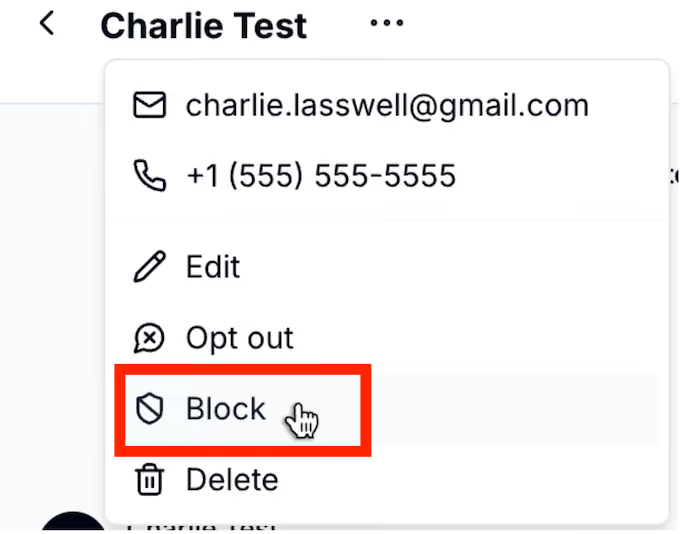
Opt out vs block: opt out prevents you from sending messages to that customer. Block prevents your customer from sending messages to you.
3. Train your bot on ServiceTitan Business Units
Here's the rundown:
- In ServiceTitan, "Jobs" are assigned a specific "Business Unit" which determines how the job is routed, tracked, reported on, and billed.
- Many ServiceTitan users have adopted abbreviated or internal naming conventions for these Business Units that don't clearly reflect what the unit actually does.
- So in the same way that these organizations have to train their human staff to know what each name means, they also need to be able to do that with their AI bot.
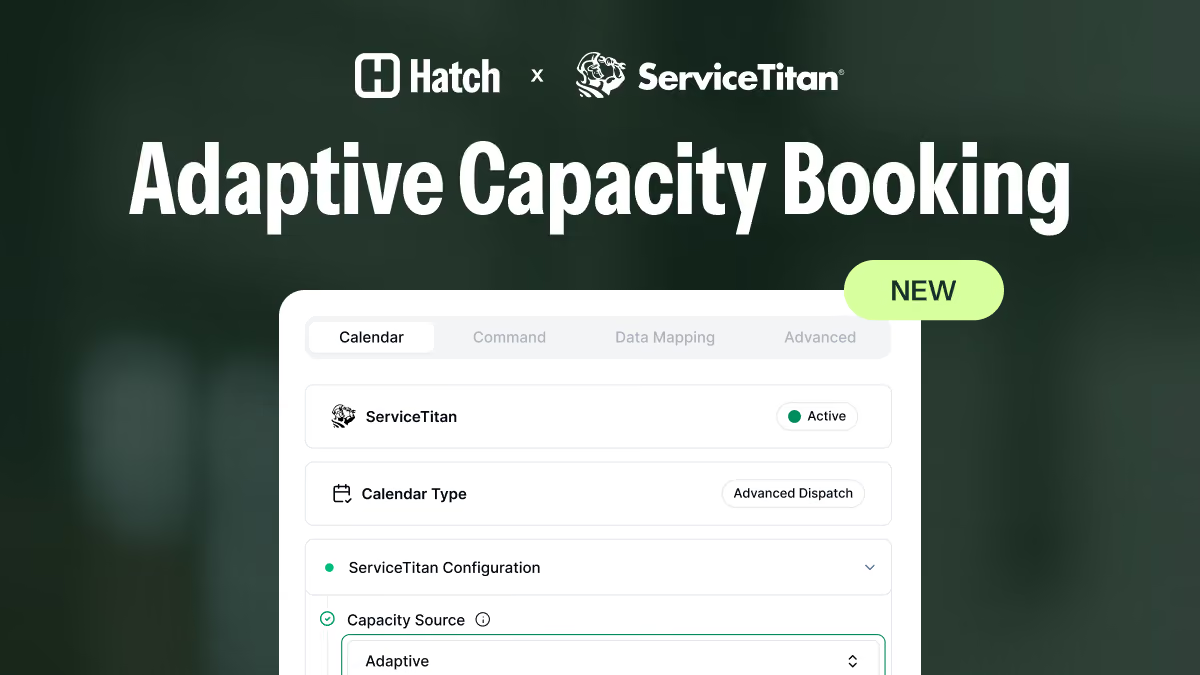
With this feature, you can enhance your bot's brain with a description for each business unit. This way, the AI can consistently select the right calendar when when scheduling appointments in ServiceTitan.
Here's what it looks like:
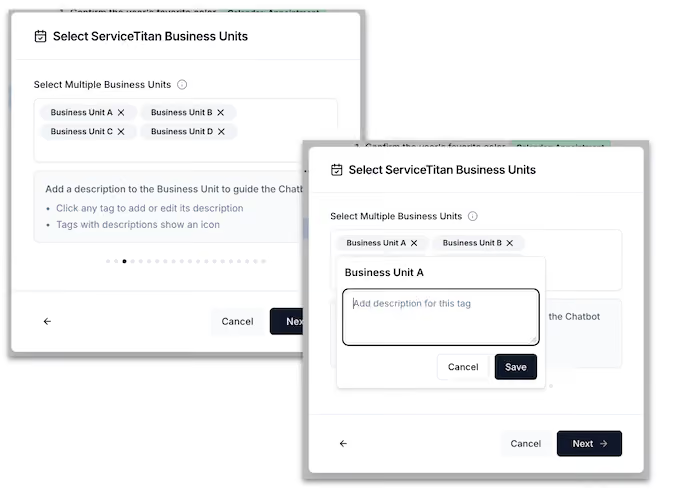
Next, we'll be expanding this functionality to ServiceTitan Job Types.
4. Go to contact record in ServiceTitan from Hatch
We know that you're frequently toggling back and forth each day between your ServiceTitan CRM and Hatch. Now, when you go to a contact record in Hatch, you can click "Open in CRM" and it will take you to that contact record in ServiceTitan. A nice little time saver.
5. Recent content
- Success story: GL Hunt Foundation Repair: 40% Higher Booking Rate
- One-pager Success after Making the Switch from Hatch to Hatch AI
- Cheat sheet: 9 Phrases to Avoid in Conversations with Customers
Reminders
- Hatch and Powerhouse Consulting Group are now strategic partners. Learn more here.
- EverConnect customers that use Hatch can get $500 off for 3 months. Learn more here.
- Live transfers for Voice AI are live! Learn more here.
- Read the last Hatch updates here.
Have questions?
- Hatch customers, email [email protected], or reach out to your Account Manager here.
- Non-Hatch customers, book a demo here!