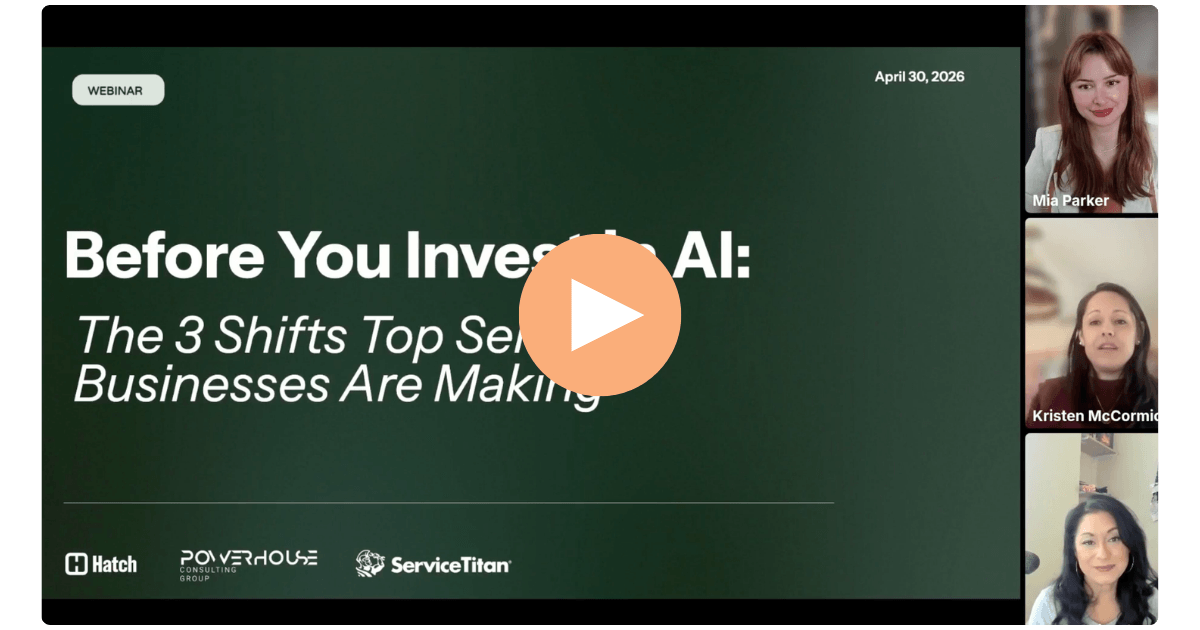
AI is changing how service businesses operate, but the ones getting the most out of it aren't just adopting faster. They're getting their foundation right first. In this webinar, experts from Powerhouse Consulting Group, ServiceTitan, and Hatch break down what that foundation actually looks like: getting more from your tools, building capacity without adding headcount, and using your data as an operating system.
Read on for the recording and recap.
Speakers
- Mia Parker of Powerhouse Consulting Group: The elite technology consulting firm for the trades, specializing in ServiceTitan consultative services and tech stack optimization. All consultants come from the trades.
- Sarah Ghirardo of ServiceTitan: The all-in-one software solution built and powered for the trades, helping businesses grow and streamline operations. ServiceTitan is the operating system behind some of the fastest-growing home services companies in the country.
- Kristen McCormick of Hatch: The AI CSR platform that scales your revenue engine (1:1 customer communication) through AI agents that work across voice, SMS, and email alongside your human team.
Resources shared in the webinar
- One-pager: 3 Shifts to Make Before Investing in AI
- Customer Journey Mapping Template
- Customer Outreach Campaign Templates
Shift 1: Get more from the tools you already have
The average contractor on ServiceTitan only uses about 30% of the platform, and that number likely decreases every year as new features roll out that nobody's paying attention to.
Mia Parker called it "shiny object syndrome": the tendency to chase new tools instead of maximizing what you're already paying for. Her philosophy is simple: before you add anything new, figure out what you're underutilizing.
The audit exercise
Mia gave everyone a tangible next step: go into your ServiceTitan settings under API applications and write down every tool you have connected. Then:
- Ask your team what each tool is used for
- Look for redundancies (multiple tools doing the same thing)
- Identify gaps (features you're paying for but not using)
You'll likely find multiple redundancies, and that's your first step into knowing where your waste is.
The fragmentation tax
It's not just about having too many tools. It's the cost of switching between them: tabs, interfaces, different account managers, disconnected data. If a tool isn't integrated with ServiceTitan, your data is fragmented, and you're paying for that fragmentation in time, context-switching, and missed information.
The bottom line: you don't want to work with any tool that can't integrate with your field service management platform. One source of truth matters.
Shift 2: Build capacity, not headcount
Kristen McCormick framed this shift around what Hatch's most successful customers have in common: before you can use AI to scale your team's output, you need to know what you're asking it to do. That starts with documented SOPs and a mapped customer journey.
Document your SOPs
When you launch an AI agent, you're essentially onboarding a new team member. It needs to know how you talk to customers, what questions to ask, how to disposition contacts, and what happens next.
What your SOPs should cover:
- How you greet and qualify leads (tone, questions, objection handling)
- How you disposition contacts in your system (tags, labels, statuses)
- What triggers follow-up (cadence, channel, rules for re-engagement)
- How your team is held accountable to following the process (SOPs provide visibility and accountability, not just documentation)
How to create them if you don't have them:
- Use dictation. Brain dump into ChatGPT or Claude using voice. Let AI structure it for you.
- Record yourself doing the process. Throw the recording into AI and let it create the SOP.
- Store them in a single source of truth. Notion, Google Drive, Google Sites, or SharePoint. The key is that everyone knows where they live and who owns them.
Pro tip: Don't ask AI to generate an SOP for you without clear context. It'll pull from thousands of data sets and give you something that sounds nice but doesn't reflect your business. Use AI to structure and organize YOUR brain dump, not to create one from scratch.
SOPs change when AI is in the mix
One important nuance: the way customers interact with AI is different from how they interact with humans. People are still learning how to talk to AI agents, and your processes need to account for that. The cleaner your processes are built out from the start, the easier it is to adapt them for AI-handled versus human-handled situations.
Map your customer journey
Your customer journey exists across departments: marketing, call center, sales, customer success. But if you're deploying a communication tool, you need the full picture in one place. Humans architect the journey, AI scales it, and then humans monitor and refine it.
Key touchpoints to map:
- Speed to lead / initial response
- Appointment confirmation and reminders
- Estimate follow-up
- Installation confirmation and reminders
- Post-install follow-up
- Invoicing and financing
- Membership outreach
- Rehash and nurture for drop-off points (unbooked leads, unsold estimates, lapsed members)
Each of these touchpoints has a happy path (the customer moves forward) and a drop-off path (they stall or disengage). Mapping both is what gives you a complete picture of where AI can plug in.
Work the demand you've already paid for
Once you've got your SOPs documented, your journey mapped, and AI handling inbound, you now have the capacity to go after revenue that was previously too expensive or too labor-intensive to chase.
Most service businesses have unworked revenue sitting in their system: aged leads, open estimates, lapsed memberships, past customers who haven't been contacted in months. Historically, it's been hard to invest in working those because the effort doesn't come with a clear ROI. Many of them are less engaged leads that need consistent nurturing over time, and your team simply doesn't have the bandwidth.
AI changes that equation. It can work the backlog (follow-ups, re-engagement, renewal outreach) so your team can stay focused on new opportunities and high-value conversations. You stop burning money on leads you never follow up on, and your team stops drowning in volume work.
Shift 3: Use your data as an operating system, not a filing cabinet
Sarah Ghirardo's core message: your data is the moat for AI. Whatever is in your system is what AI will serve back to you, so it needs to be accurate. With messy data and messy systems, AI is going to underperform, and the instinct will be to blame the tool. But the real issue is usually operational: no systems in place, no processes, and no clean data for AI to work with.
Connected systems connect systems
One of Sarah's recurring themes: fragmentation costs you more than you think. When your tools aren't connected, your data tells a fragmented story. And when AI reads fragmented data, it produces fragmented results. The fragmentation tax shows up in time, labor, inefficiencies, and missed opportunities, all of which hit the bottom line.
Structure your data for AI
A practical tip from Sarah: think about how your data is structured in ServiceTitan. Business units are the parent (they hold the money). Job types represent call intent. If those are messy or ambiguous, everything downstream suffers, including AI. Structure the data the way you want AI to serve it back to you.
Use AI to learn, not just execute
Sarah also highlighted tools like Notebook LM for turning documentation into different formats (podcasts, video summaries) that match how people actually learn. Not everyone is an auditory learner, and your team's adoption of SOPs and processes depends on meeting them where they are.
Q&A highlights
Q: How do I fully utilize Hatch?
A: Make sure you're using all the campaign types: speed to lead, appointment confirmations, estimate follow-up, install confirmations, post-install, invoicing, memberships. Use the templates as a starting point, then finesse them to match how you talk to your customers. And make sure your AI agent's instructions reflect your SOPs.
Q: Where should I store my SOPs?
A: Notion, Google Drive, Google Sites (if you're on Google Workspace), or SharePoint (if you're on Microsoft). The key is a single source of truth where everyone knows where to find them. Bonus: these platforms connect to LLMs, so you can build internal AI agents that answer team questions based on your documentation.
Q: What tools can I use to create SOPs?
A: Record yourself doing the process, then throw the video into ChatGPT and let it create the SOP. Work smarter, not harder.
Q: How do I handle high-value customers that need a human touch?
A: Set up routing rules. Tag certain job types or revenue thresholds so that when a high-value customer comes in, the AI agent connects them with a human instead of handling it autonomously. You need to define those rules in your data, which means clean job types and clear SOPs for what gets escalated.
And beyond routing, the sheer volume that AI handles across your inbound and follow-up frees your team up to spend more time on those high-value, bottom-funnel customers that need a dedicated human conversation.
Want to learn more?
- Hatch customers: Reach out to your Account Manager
- Not a Hatch customer? Book a demo to see how AI agents can scale your revenue engine
- Interested in ServiceTitan? Visit servicetitan.com
- Interested in Powerhouse Consulting Group? Visit mypowerhouse.group
For past and upcoming Hatch webinars, check out our webinar page.